




Kudos has partnered with CardRatings and Red Ventures for our coverage of credit card products. Kudos, CardRatings, and Red Ventures may receive a commission from card issuers. Kudos may receive commission from card issuers. Some of the card offers that appear on Kudos are from advertisers and may impact how and where card products appear on the site. Kudos tries to include as many card companies and offers as we are aware of, including offers from issuers that don't pay us, but we may not cover all card companies or all available card offers. You don't have to use our links, but we're grateful when you do!

Is There a Kudos Premium Free Trial? Try Demo Mode
September 27, 2026


The content on this page is accurate as of the posting date; however, some of the offers mentioned may have expired.
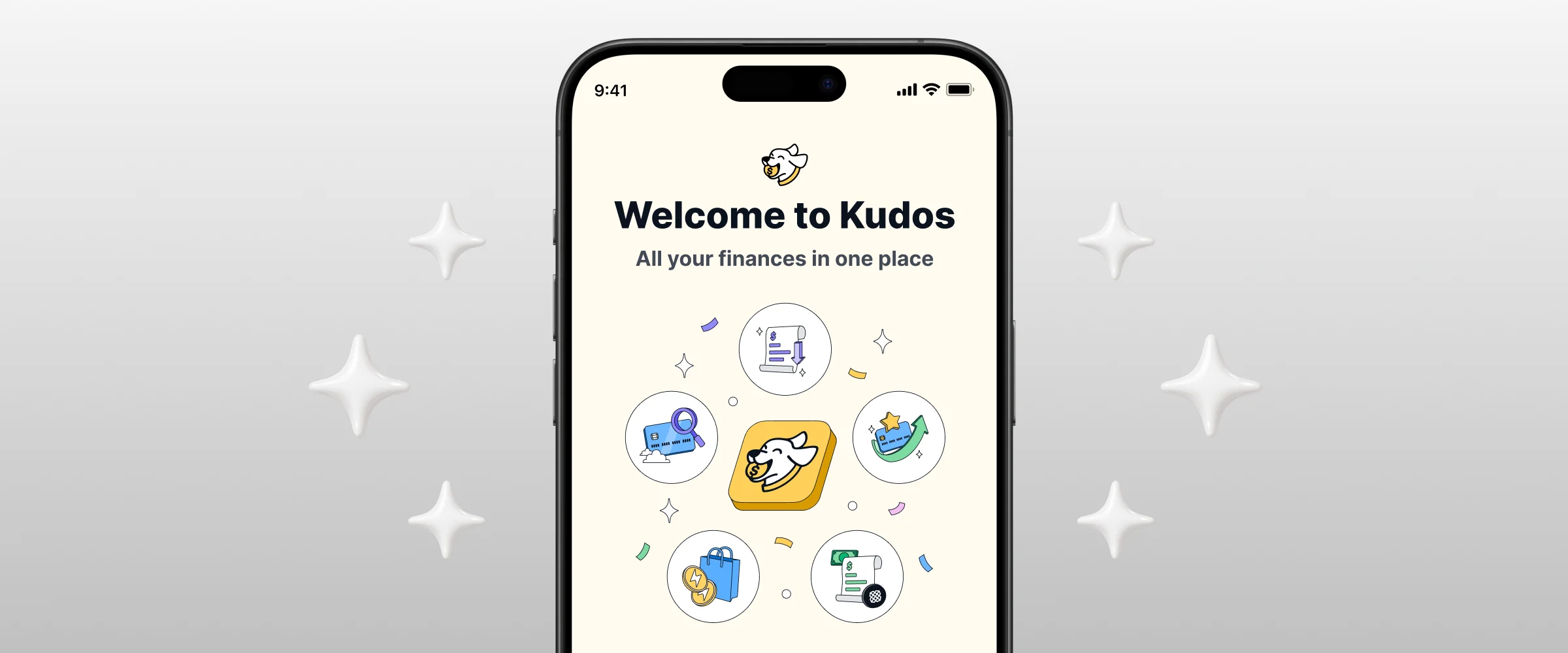
You can now try Kudos Premium in the Kudos mobile app without paying, linking a bank, or entering a single card number. Demo mode opens a fully loaded sample account so you can see what Kudos does with a full wallet before you decide if it's right for you.
It takes about 30 seconds to start, and you can leave anytime.

What Is Kudos Demo Mode?
Demo mode is a working Kudos account filled with sample data, with Kudos Premium turned on. You tap through the same app real members use, with the same screens and features.
The sample account comes with a wallet of popular rewards cards, about 15 months of transaction history, and credits already being tracked. Everything you see is example data, so there's no setup and nothing personal involved.
When you're done, you go right back to where you were. Nothing from the demo carries over to your own account.

Start with the Benefits Tracker. Premium cards come with credits that are easy to forget, and seeing them tracked on a full wallet is the fastest way to understand what Kudos could catch for you.
What You Can Explore in Demo Mode
Demo mode lands you on the Home Feed of an account that's already set up, so you can see Premium features working the way they would for you.
- Benefits Tracker: See how Kudos tracks statement credits automatically by matching them to transactions, plus which credits are still unused before they expire.
- Bill negotiation: Look through a completed negotiation that lowered a T-Mobile bill from $130 to $60 a month, and watch a video of the actual negotiation call.
- Card-linked offers and Boost: See offers that are already activated and earning, plus Boost cashback on shopping.
- Wallet and spending insights: Browse the sample cards, recent transactions, recurring payments, and weekly spending trends.
- Credit score: See how your score and credit overview are displayed.
- Kudos AI: Ask questions about the sample account and get example answers.
How Do I Start Demo Mode?
Demo mode is available in the Kudos mobile app. Depending on where you are, you may see it in one of these places:
- On the welcome screen, under the sign-up and log-in buttons
- On the Kudos Premium step during sign-up
- When you're setting up your wallet during sign-up
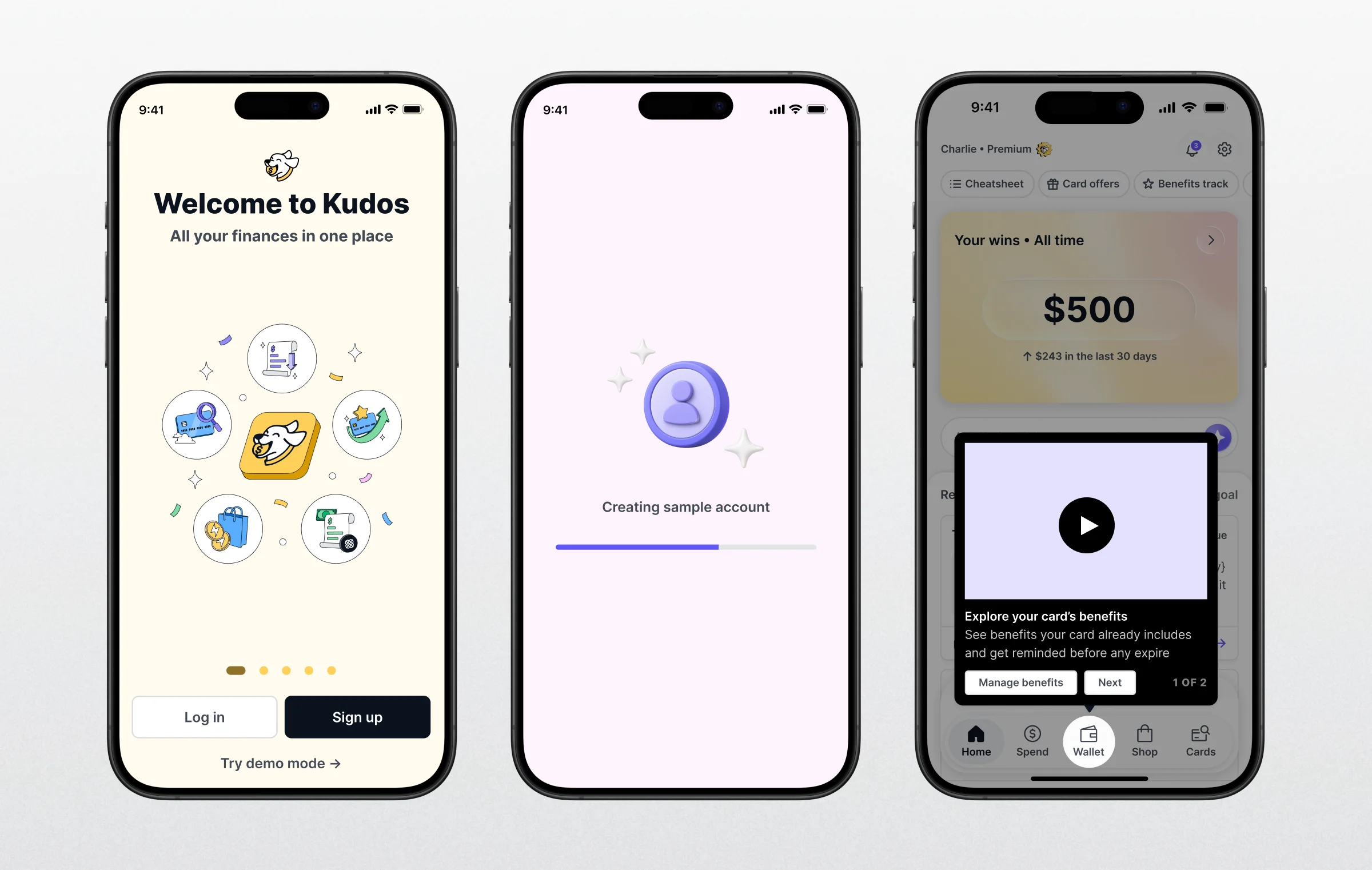
Once you find it, here's how it works:
- Tap Try demo mode.
- Wait about 15 to 30 seconds while your sample account loads.
- Explore. A Demo Mode badge shows you're in the sample account.
- When you're done, tap Exit Demo to return to your own account.
You don't need to create an account first. If you leave the app in the background for more than an hour, the demo ends on its own.
What Demo Mode Doesn't Do
Because everything in demo mode is sample data, some actions are turned off. If you tap one, you'll see a message letting you know it isn't available in the demo.
- No purchases or payments. You can't buy a subscription or be charged for anything.
- No bank or card linking. Demo mode never connects to your accounts or asks for card numbers.
- No new bill negotiations or credit checks. You can view the sample results, but nothing new is started on your behalf.
- No sharing. Referral codes and sharing tools are turned off.
Your sample account is deleted automatically within about a day. To keep using Kudos with your own cards, exit the demo and sign up or log in.
Frequently Asked Questions
Is Kudos Demo Mode Free?
Yes. Demo mode costs nothing, and you won't be asked for payment information.
Will Demo Mode Give Me Free Kudos Premium?
No. Premium is turned on only inside the sample account so you can try it. Your own account stays on whatever plan it was on before.
Does Demo Mode Use My Real Data?
No. Every card, transaction, and credit in demo mode is example data. Kudos doesn't connect to your bank or cards during a demo.
Can I Use Demo Mode if I Already Have a Kudos Account?
Yes. Your real account isn't changed, and when you exit the demo, you're back in your own account.
Is Demo Mode Available on Desktop?
Not right now. Demo mode is only available in the Kudos mobile app.
What Happens to the Demo When I'm Done?
The sample account is deleted automatically. Nothing from it is saved or copied into your account.
Ready to see what Kudos finds in your own wallet? Exit the demo and get started with Kudos.

Unlock your extra benefits when you become a Kudos member


Turn your online shopping into even more rewards


Join over 500,000 members simplifying their finances



Editorial Disclosure: Opinions expressed here are those of Kudos alone, not those of any bank, credit card issuer, hotel, airline, or other entity. This content has not been reviewed, approved or otherwise endorsed by any of the entities included within the post.

.webp)





.webp)